You've got about three seconds before someone clicks "Next" on Flingster. That's it. Three seconds to make them curious enough to stay and actually talk to you. The difference between endless skips and real conversations often comes down to a few simple things you can control right now.
| Site | Our Experience | Our Rating | Free Trial Link |
|---|---|---|---|
Best Hookup Site For Men  | Experience Highlights
| 9 | Try AFF For Free |
Best For Relationships  | Experience Highlights
| 9 | Try eHarmony |
2nd Best For Hookups  | Experience Highlights
| 8 | Try Passion |
This guide walks you through everything that makes someone stop scrolling and start engaging on Flingster in 2025. We're covering the visual setup, what to say in those critical first moments, and how to present yourself so you're not just another face in the endless stream of random video chats. Whether you're new to the platform or just tired of getting skipped, these strategies work.
If you're looking for a platform where your profile does more of the heavy lifting for you, Adult Friend Finder lets you showcase your personality before the camera even turns on.
Your Visual Setup Makes or Breaks the First Impression
Before you say a single word, people are judging what they see. A dark room with a messy background tells a story. A well-lit space with a clean backdrop tells a completely different one. According to research from Psychology Today, first impressions form in milliseconds and are heavily influenced by visual cues.
Lighting That Actually Works
Natural light from a window works best, but position yourself facing the window so the light hits your face, not your back. If you're chatting at night or don't have good natural light, grab a simple ring light or desk lamp. Position it slightly above eye level and in front of you, not behind your monitor.
Avoid overhead ceiling lights alone because they create harsh shadows under your eyes and make you look tired. Side lighting from a lamp creates depth and makes you look more three-dimensional on camera. The goal is to be clearly visible without looking washed out or like you're in an interrogation room.
Test your setup by taking a screenshot or using your phone's selfie camera first. If you can see your face clearly and your skin tones look natural, you're good. If you look like a silhouette or overly orange, adjust until it looks right.
Background Choices That Don't Distract
Your background should be boring in the best way possible. A plain wall works great. A tidy bookshelf or a simple room corner is fine. What doesn't work is a messy bed in frame, piles of laundry, or anything that makes people wonder about your living situation instead of focusing on you.
If your only option is a cluttered space, sit closer to your camera so less of the room shows. Some people use a simple curtain or sheet as a backdrop, which works if it looks intentional and not like you're hiding something weird. The key is neutral and clean, not interesting or distracting.
Avoid having a bright window or TV screen behind you because it puts you in silhouette. Also, skip any posters, flags, or decorations that might be polarizing or give off vibes you don't intend. You want the focus entirely on your face and your energy, not your stuff.
Camera Angle and Positioning
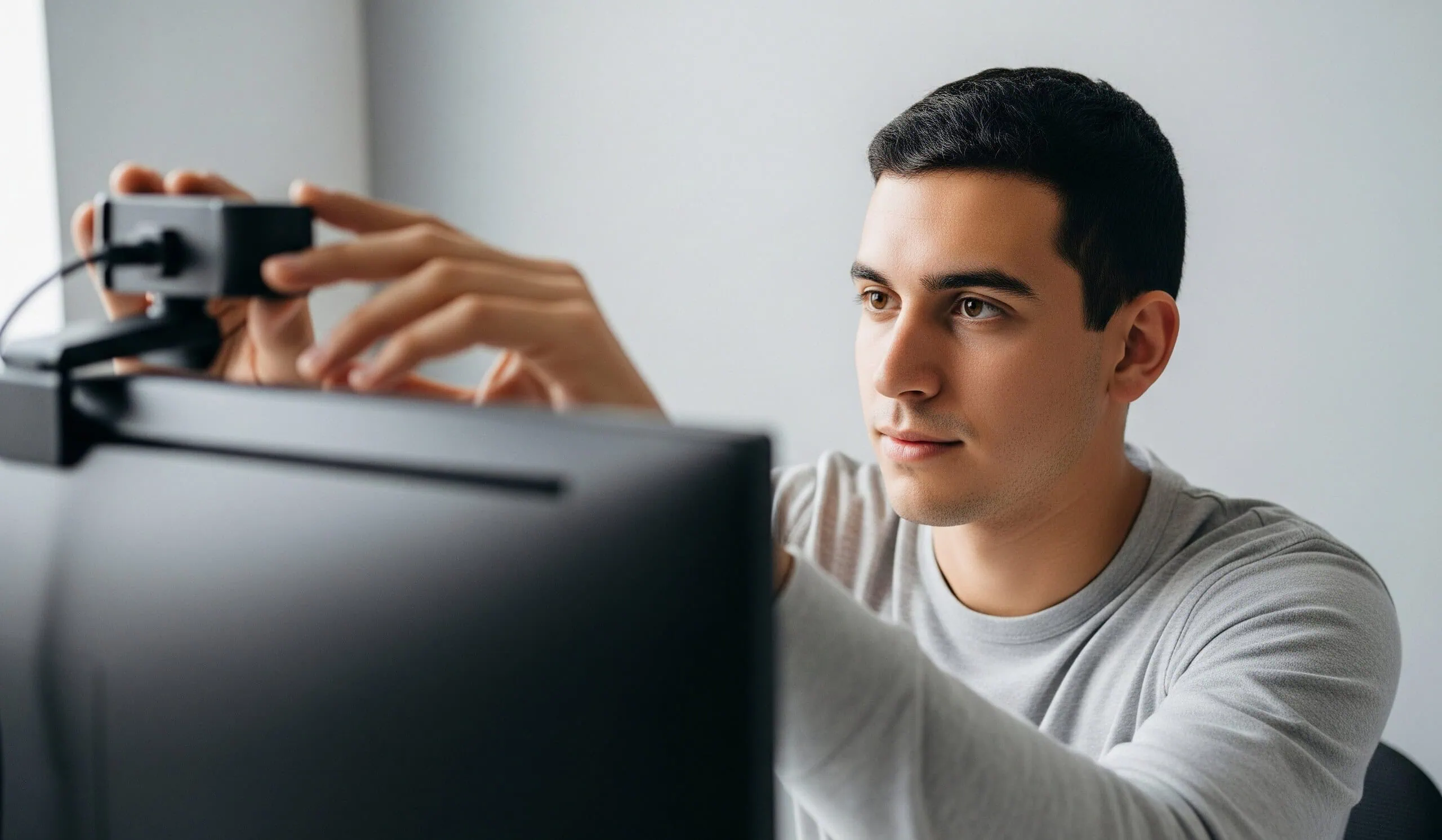
Put your camera at eye level or slightly above. Looking up at the camera from below is universally unflattering and makes people feel like they're towering over you. Looking down creates a weird power dynamic and often shows more of your ceiling than your face.
Position yourself so your head and shoulders fill most of the frame. Too far back and you look small and distant. Too close and it feels invasive. Think about how you'd frame a casual selfie, then back up just a bit. That's usually the sweet spot.
Make sure your camera is stable. A wobbly laptop on your knees or a phone propped against a stack of books looks amateurish and makes people motion sick. Invest in a simple phone stand or prop your device on something solid.
What to Say in the First Three Seconds
The visual gets them to pause. Your opening line determines if they stay. Saying "hey" or "sup" is the fastest way to get skipped because everyone else is saying the exact same thing. You need something that creates instant curiosity or shows personality.

Conversation Starters That Actually Land
Ask an interesting question right away. "What's the weirdest thing that happened to you today?" or "If you could be anywhere right now, where would it be?" both beat generic greetings. Questions make people think for a second, which keeps them on the screen longer.
Make an observation about something neutral. "You look like you're having a better day than I am," or "That's a cool light setup you've got," acknowledges them specifically without being creepy. It shows you're paying attention and not just running a script on everyone.
Try playful humor if it fits your style. "Tell me you're more interesting than the last five people I matched with" or "Quick, sell me on why I shouldn't click next" is bold but can work if you say it with a smile. The risk is coming off as arrogant, so read the room.
Topics That Keep Conversations Going
Once you're past the opener, you need substance. According to the Pew Research Center, successful online interactions often involve finding common ground quickly. Ask about their interests, what brought them to Flingster, or what they do for fun.
Share something about yourself that invites follow-up questions. "I just got back from trying to cook something I saw on TikTok, and it was a disaster" is more engaging than "I like cooking." The story gives them something to react to or share their own experience.
Avoid interview mode where you're just firing questions. Balance asking with sharing. If they mention they like a certain type of music, say what you listen to or ask them to recommend something. Make it feel like a conversation, not an interrogation.
What to Avoid Saying
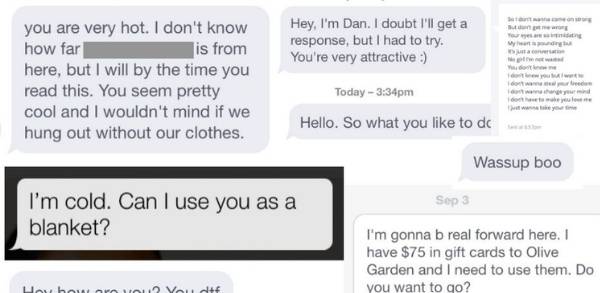
Don't open with anything sexual unless you're on the adult side of Flingster, and even then, read the vibe first. Leading with "you're hot," or anything explicit, makes most people uncomfortable and gets you skipped or reported.
Skip the complaining. "This site sucks" or "Everyone keeps skipping me" makes you sound negative and kills any chance of a good interaction. Even if you've had a rough session, reset your energy for each new match.
Don't ask for personal info too fast. Requesting Snapchat, Instagram, or phone numbers in the first minute feels pushy and sets off safety alarms. Build a little rapport first, then if there's mutual interest, they'll often offer to exchange contact info themselves.
Your Energy and Body Language Matter More Than You Think
People pick up on your vibe instantly. Sitting slumped in your chair with dead eyes reads as bored or creepy. Leaning in slightly with a genuine smile reads as engaged and friendly. Studies published by Harvard Business School show that nonverbal communication accounts for a significant portion of how people perceive you.

How to Project Confidence Without Trying Too Hard
Sit up straight but not rigid. Good posture makes you look more alert and confident without saying anything. Let your shoulders relax back and keep your chin parallel to the floor, not tilted down.
Smile naturally when you first connect. Not a forced grin, just a friendly expression that says you're open to chatting. Smiling releases endorphins and actually makes you feel better, too, which comes through in your voice and demeanor.
Make eye contact by looking at the camera, not at their image on your screen. This is hard to remember, but it makes a huge difference. When you look at the camera lens, it feels like you're making actual eye contact with them. When you look at your screen, you look like you're looking down or away.
Reading the Room and Adjusting
Pay attention to their body language too. If they're leaning back with arms crossed, they might need a bit more time to warm up. If they're leaning in and animated, match that energy. Mirroring someone's energy level subtly makes them feel more comfortable.
If someone seems hesitant or quiet, don't take it personally. Some people are shy or testing the waters. Give them a moment and ask an easy question that doesn't require a long answer. If they continue to seem uninterested after a minute or two, it's okay to politely move on.
Watch for genuine engagement versus politeness. If they're giving one-word answers and looking around, they're probably not that interested. If they're asking you questions back and maintaining eye contact, you've got something going.
Technical Setup and Audio Quality
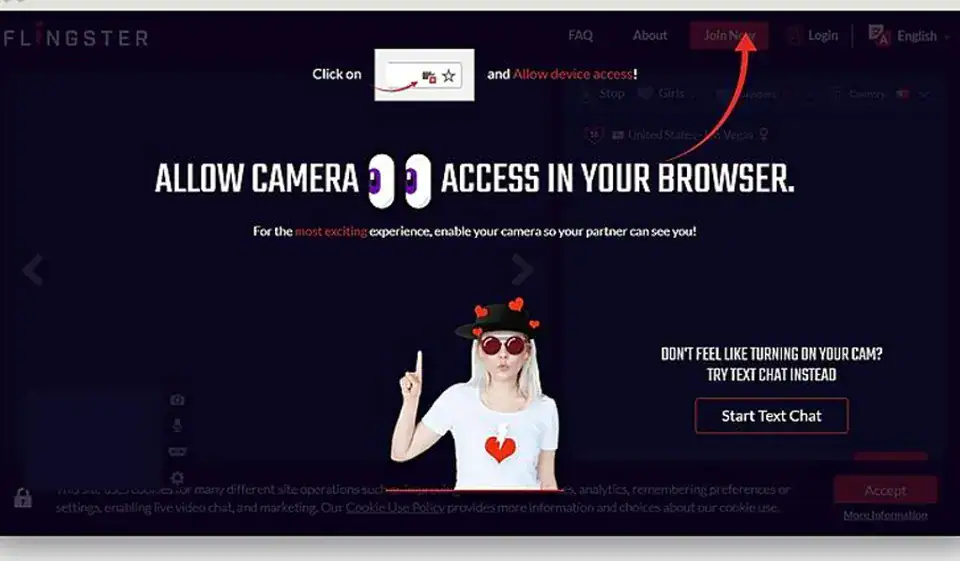
Bad audio kills conversations faster than bad video. If they can barely hear you or you sound like you're in a wind tunnel, they're gone. Flingster in 2025 is packed with users, so technical issues are an easy excuse to click next.
Getting Your Audio Right
Use headphones with a built-in mic if possible. This cuts down on echo and feedback, which happens when your mic picks up audio from your speakers. Even cheap earbuds are better than laptop speakers and a mic alone.
Test your mic volume before jumping into chats. You should be clearly audible without people needing to crank their volume. Most operating systems let you test your microphone in settings. Speak normally and check the input levels.
Find a quiet spot. Background noise from roommates, TV, traffic, or music is distracting and makes it harder to understand. If you can't eliminate noise completely, use push-to-talk or mute when you're not speaking, though that's less practical for flowing conversation.
Internet Connection Stability
Flingster needs decent bandwidth for smooth video. If your video keeps freezing or pixelating, people will skip you because it's frustrating to watch. According to Ookla's Speedtest, most video chat platforms need at least 3-4 Mbps upload speed for decent quality.
Close other apps and browser tabs that might be using bandwidth. Streaming music, downloads, or other video calls in the background all compete for your connection. Give Flingster priority if you want smooth performance.
If you're on WiFi, sit closer to your router or use an Ethernet cable if possible. Wired connections are more stable. If WiFi is your only option and it's spotty, consider chatting during off-peak hours when your network is less congested.
Creating a Consistent Personal Brand
This sounds corporate, but it just means being intentionally you. If you show up looking and acting completely different each session, you're starting from scratch every time. Having a consistent style helps you figure out what works and refine it.
Finding Your Style
Wear something you feel good in that's also appropriate for video chat. A clean casual shirt works for most situations. If you're always in hoodies, own it. If you prefer button-ups, go for it. The key is looking put together without looking like you're trying too hard.
Think about what makes you different from the typical Flingster user. Maybe you've got a specific hobby, an unusual job, or an interesting perspective on life. Lean into that. Being genuinely yourself is more attractive than trying to be what you think everyone wants.
Consider what you want to be known for in these brief interactions. The funny guy? The thoughtful listener? The adventurous traveler? Having a general direction helps you steer conversations toward topics where you shine.
Experimenting and Adapting
Track what works mentally. If certain conversation openers get better responses, use them more. If certain times of day lead to better matches, prioritize those windows. You don't need a spreadsheet, just pay attention to patterns.
Try slight variations in your approach. Test different lighting setups, different opening lines, and different energy levels. Give each variation enough attempts to see if it's actually better or if you just got lucky or unlucky with specific matches.
Don't be afraid to evolve. What works in January might not work in June as the user base changes or as you get more comfortable with the platform. Stay flexible and keep optimizing based on real results, not just assumptions.
Quick Comparison Table: Standing Out on Flingster vs Other Platforms
Here's how making a great first impression on Flingster compares to other random video chat options.
| Site or App | Best For | Key Features | Starting Price | Free Version | Notable Downside |
|---|---|---|---|---|---|
| Flingster | Fast visual impressions and instant connections | Gender filters, face masks, instant matching | $19.99/month | Yes, with limitations | Very quick skip culture requires a strong opener |
| Omegle | Text chat before video | Anonymous text option, interest tags | Free | Yes, fully free | Shut down in 2023, no longer available |
| ChatRandom | Testing different personas | Various chat rooms, AR face filters | $6.99/month | Yes, with ads | Less emphasis on quality connections |
| CooMeet | Verified female users only | Gender verification system | $9.99/week | No, trial only | Expensive for regular use |
| Adult Friend Finder | Profile-based matching | Detailed profiles, photos, compatibility | $14.95/month | Yes, limited features | Not instant video like Flingster |
Frequently Asked Questions
How long should I wait before clicking next on Flingster if someone doesn't respond?
Give it about five to ten seconds after your initial greeting. Some people have an audio delay or are typing a response. If they're clearly looking away, on their phone, or showing zero engagement after that window, it's fine to move on. Don't waste time on someone who's obviously not interested, but also don't be so impatient that you skip people who just need a moment to react.
Is it better to use face filters or show my real face on Flingster?
Start with your real face. Filters can be fun for breaking the ice or if you're uncomfortable showing yourself fully, but they also make you look less trustworthy and serious about connecting. Most people prefer seeing who they're actually talking to. If you use a filter initially, be ready to turn it off if the conversation is going well and they ask. The exception is if you're genuinely concerned about privacy or safety, in which case filters are totally reasonable.
What time of day gets the best matches on Flingster?
Evening hours between 8 pm and midnight in your timezone tend to be most active, especially on weekends. You'll find more users and generally people who are more relaxed and open to longer conversations. Lunch hours and late afternoon also work well. Early morning is hit or miss since you're often matching with people in different time zones who may be tired or just killing time. Experiment with different times and see what works for your schedule and goals.
Should I mention I'm on Flingster to find dates or keep it casual?
Read the situation first. If you're having a good conversation and it feels natural, mentioning you're open to meeting people or seeing where things go is fine. Leading with "I'm looking for dates" can seem too intense for a platform that's mostly about random fun chats. Let the conversation flow, and if there's chemistry, the topic of meeting up or exchanging contact info usually comes up organically. Pushing too hard, too fast scares people off.
How do I handle awkward silences during a Flingster conversation?
Jump in with a new question or topic rather than letting the silence stretch. Something like "Okay, random question, would you rather always be slightly cold or slightly too warm?" breaks the tension and gets things moving again. Awkward pauses happen in any conversation, especially with strangers. Don't overthink it or apologize excessively. Just smoothly redirect to something new and keep the energy positive. If the silence persists and they seem checked out, it's probably time to politely wrap up and move to the next match.
Final Thoughts
Standing out on Flingster comes down to controlling the things you can control: your setup, your energy, and your opening approach. The platform moves fast, and attention spans are short, but that actually works in your favor once you nail the basics. People are looking for someone who seems worth their time, and all the tips here help you show that immediately.
Get your lighting right, have your audio working properly, and come in with genuine energy and interesting things to say. Skip the generic "hey" and give people a reason to stay. The difference between getting skipped endlessly and having real conversations is often just a few small adjustments that take ten minutes to implement.
If you want a platform where you have more time to make an impression beyond just those first three seconds, Adult Friend Finder gives you profile space and messaging options that let your personality shine through before any video chat happens.
Sources:
https://www.psychologytoday.com/us/basics/first-impressions
https://www.pewresearch.org/internet/2020/02/06/the-virtues-and-downsides-of-online-dating/
https://online.hbs.edu/blog/post/leadership-communication
When you purchase through links on our site, we may earn an affiliate commission. Here’s how it works.